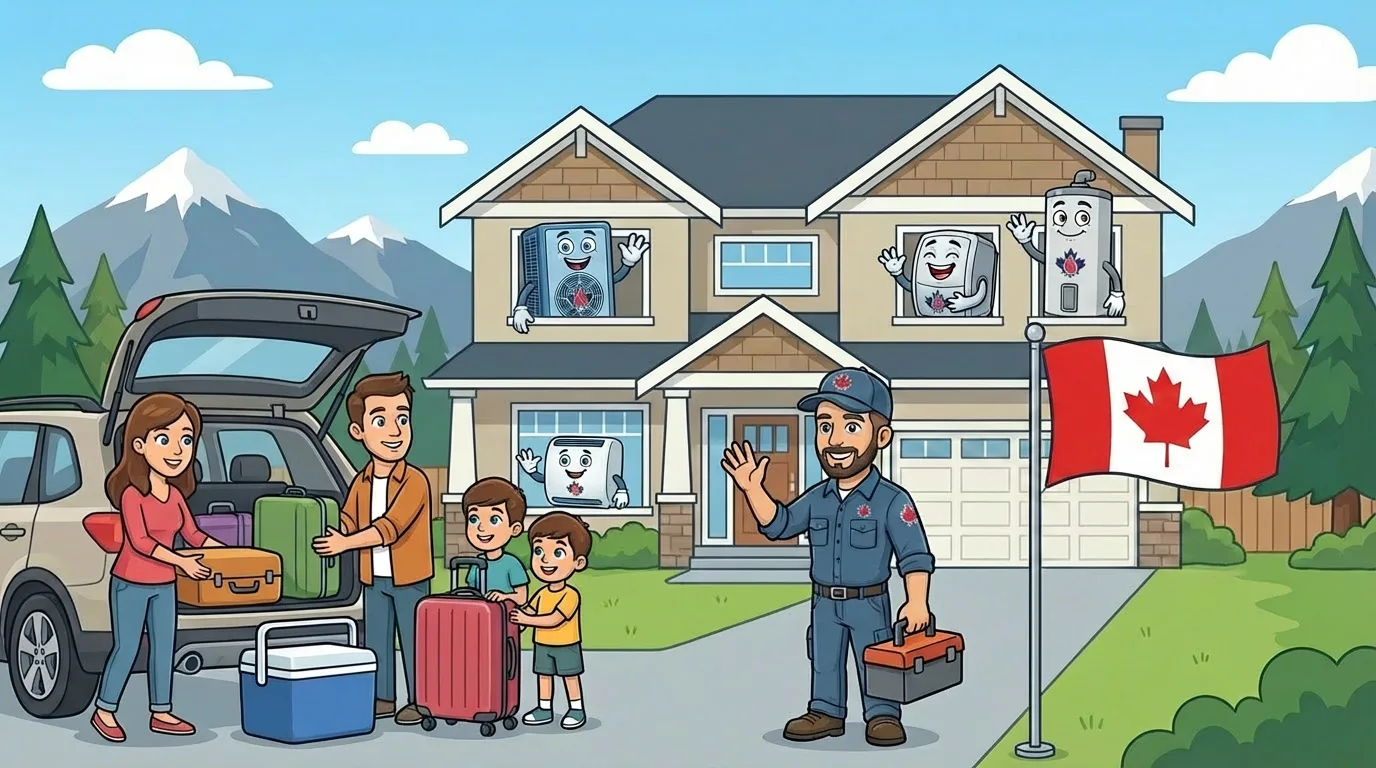
Why BC Day Weekend Is Different From Other Trips
The BC Day long weekend (August 1 to 4 this year) has a habit of coinciding with the hottest stretch of the year.
Leaving for four days with the wrong HVAC settings can mean:
- Returning to a house at 32°C that takes 8 hours to cool down
- A water-damaged ceiling from a condensate overflow you were not there to catch
- Wasted energy from a system running hard to maintain comfort in an empty house
- Stressed pets left behind
- A water heater working 96 hours for a shower no one is taking
The right pre-departure settings are different from “set it and forget it” - and definitely different from “turn everything off.”
This guide covers the BC Day weekend HVAC checklist for North Vancouver homes. North Van has a particular profile for this - coastal marine influence, older homes with less insulation than newer Valley construction, and a housing stock where many systems were not designed for extended heat events.
Thermostat Setpoints While Away
The classic mistake: turning the AC off entirely.
Result: the house sits at ambient temperature for 4 days, furniture and drywall absorb heat, and the system has to work for 8 to 12 hours to recover when you return.
| Scenario | Recommended Cooling Setpoint | Notes |
|---|---|---|
| Empty house, no pets, normal weather | 26 to 28°C | Maintains dehumidification without over-cooling |
| Empty house, no pets, heat wave | 25 to 27°C | Prevents extreme interior temperatures |
| Pets remaining in home | 24 to 26°C | Follow pet-specific safe temperatures |
| Heat-sensitive belongings (wine, art, electronics) | 22 to 24°C | Match your normal occupied setpoint |
| Home with central humidity concerns | Normal cooling + dehumidifier | Prevents mould growth during closed-house period |
For most pet-free North Van homes, 27°C is the sweet spot. Cool enough to protect the house, warm enough to minimize energy waste.
The “Vacation Mode” Smart Thermostat Feature
Most modern smart thermostats (ecobee, Nest, Honeywell T-series) have a vacation mode that:
- Holds a user-defined setpoint for a specified duration
- Disables normal schedules during that window
- Resumes regular operation automatically on return
- Allows remote temperature checks from your phone
Set it up before you leave. If the house gets unusually hot despite the vacation setpoint, you get an alert and can act remotely or phone a neighbour.
Water Heater Settings
Tank water heaters are often overlooked in pre-departure checklists.
A standard 50-gallon gas or electric tank uses about $2 to $4 per day just maintaining temperature, regardless of whether hot water is being used.
For a 4-day absence:
- Tank water heater - drop the setpoint to its lowest “vacation” or “pilot” setting, or to roughly 45°C. Saves $8 to $16 in operating cost.
- Tankless water heater - no action required; tankless only heats when fixtures demand hot water.
- Heat pump water heater - most have a vacation mode that maintains a low baseline. Use it.
Remember to return the setpoint to normal (60°C) when you get back.
Pre-Departure Safety Checks
A 15-minute walkthrough before you leave catches most of the problems that turn into a 4-day disaster.
Outdoor Unit
- Clear any debris that has accumulated around the outdoor AC or heat pump
- Check that nothing is blocking airflow (garbage bins, garden tools, patio umbrella during wind)
- Secure anything that could be blown into the unit during summer storms
Indoor Unit
- Replace the filter if it has been in more than 45 days
- Check that supply and return vents are open and unobstructed
- Verify the condensate drain line is not kinked or leaking
- Look for any water around the indoor unit - address before leaving
Thermostat
- Confirm vacation mode is set correctly
- Check battery level for battery-powered thermostats
- Test WiFi connection for smart thermostats (so you can check remotely)
Power and Water Shutoffs
- Know where your main water shutoff is in case a neighbour needs to kill water for a leak
- Keep the HVAC breaker on - do not flip it off to save energy
- If you have an electric water heater and are gone more than 7 days, consider turning its breaker off
Pet Considerations
If pets remain in the home with a pet-sitter stopping in:
- Dogs - keep the setpoint at 24 to 26°C depending on breed. Brachycephalic breeds (bulldogs, pugs, frenchies) need 24°C max.
- Cats - 26°C is fine for most healthy adult cats.
- Small mammals / reptiles - follow species-specific requirements. Some need supplemental heating even in summer; others need stricter cooling.
- Any pet - ensure water availability is adequate, and that the pet-sitter has emergency HVAC contact info.
Pet-related thermostat settings override the “save energy” logic entirely. A stressed or overheated pet is not an acceptable outcome of weekend energy savings.
Smart Thermostat Remote Monitoring
If you have a smart thermostat, the real value during a 4-day absence is remote monitoring rather than remote adjustment.
What to watch:
- Indoor temperature trending - should stay near setpoint; unusual drift indicates a problem
- Humidity - should stay below 60%; above that suggests the AC is cycling without dehumidifying
- System runtime - sudden increase may indicate a leak or sizing issue
- Offline status - if the thermostat goes offline for more than a few hours, phone a trusted neighbour to check the house
What Not to Do
Do Not Turn Off the AC Entirely
In an empty North Van home during a heat wave, indoor temperatures can exceed 35°C within 24 hours. That leads to:
- Heat-damaged electronics and art
- Warping of hardwood flooring
- Accelerated aging of furniture upholstery
- Potential fire risk from heat-sensitive materials
- Mould growth from trapped humidity
Do Not Close All Interior Doors
Closed doors prevent air circulation and create hot spots. Leave interior doors slightly open to let the system maintain even temperature across the house.
Do Not Close Return Vents
Closed returns starve the blower and reduce system efficiency. Counter-intuitively, they can increase energy use rather than reduce it.
Do Not Set Cooling Setpoint to 20°C
Over-cooling an empty house wastes money without providing any value. A house cooled to 20°C for 4 days when no one is there costs significantly more than one at 27°C.
Return-Home Prep
Before you leave, consider a remote adjustment on your way back:
- Use the smart thermostat app to lower the setpoint 2 to 3 hours before arrival
- This gives the system time to bring indoor temperature to comfort level without running flat out on your return
- For homes with tank water heaters, the last-hour adjustment applies there too
North Van-Specific Notes
- Older homes (pre-1980) - lower insulation levels mean indoor temperatures drift faster when cooling is off. Setpoint margin should be narrower.
- Coastal influence - marine air typically keeps North Van cooler than inland Valley homes; the BC Day heat wave impact is usually less severe, but humidity can be higher
- Deep Cove, Dollarton - elevation and tree cover provide natural cooling; many homes can tolerate higher vacation setpoints
- Lower Lonsdale - denser urban environment; heat island effect can push temperatures 2 to 4°C above regional forecasts
- Upper Capilano / British Properties - larger homes, higher cooling loads, often worth setting vacation mode more conservatively
Bottom Line Pre-Departure Checklist
- Thermostat set to 26 to 28°C (pet-free) or pet-appropriate temperature
- Vacation mode enabled on smart thermostats
- Filter replaced if over 45 days old
- Outdoor unit cleared of debris
- Condensate drain verified clear
- Water heater dropped to vacation setting (tank only)
- Smart thermostat app verified working
- Neighbour or pet-sitter briefed with emergency HVAC contact
- Interior doors left slightly open for circulation
- Pre-arrival setpoint adjustment planned for return
Enjoy the long weekend. Come back to a comfortable home.
Call 604-991-4894 or book service if you have any HVAC concerns before leaving on the long weekend. North Van pre-BC-Day appointments typically book within 48 hours during the week before the holiday.
Frequently Asked Questions
No. Turning the AC off entirely during a summer weekend leads to extreme indoor temperatures (potentially above 35°C in an empty North Van home during a heat wave), which can damage electronics, furniture, and art. Set it to 26 to 28°C instead - cool enough to protect the house, warm enough to minimize energy waste.
Yes, if you have a smart thermostat (ecobee, Nest, Honeywell T-series). Most major brands have reliable apps that work anywhere with internet. Use the pre-arrival hour to drop the setpoint before you return home so the system does not have to run flat out when you arrive.
Yes, with proper setup. Set the thermostat to a pet-safe temperature (24 to 26°C for most pets), arrange for a pet-sitter to check in daily, and provide emergency HVAC contact info. Smart thermostat alerts give you peace of mind that the system is holding temperature.
For tank water heaters, drop the setpoint to the vacation setting (around 45°C) rather than turning it off. This saves energy while maintaining enough temperature to avoid bacterial growth. Tankless water heaters do not need adjustment - they only heat on demand.
A good pre-departure setup minimizes risk, but things do fail. Brief a trusted neighbour or pet-sitter on how to contact us in an emergency, provide your address and system details, and if you have a maintenance agreement, mention that priority dispatch is available.
For homes with existing compatible HVAC wiring, absolutely. A $300 smart thermostat with vacation mode, remote monitoring, and alerts provides more value on a single major trip than its cost. DIY install is manageable for most modern systems, or we install them as part of any HVAC project.